|
|
|
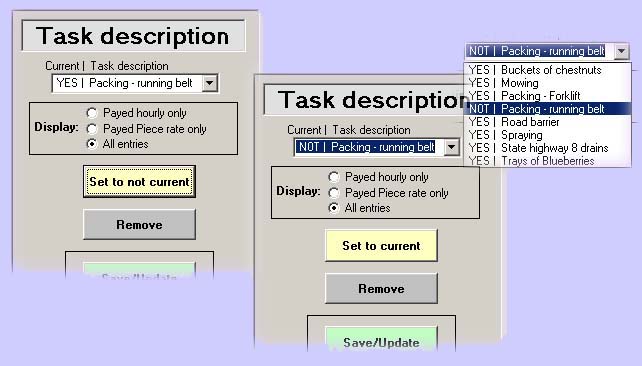
Task & categoriesThe tasks, or job descriptions and the categories used in the pay screen are entered.
The YES in front of the tasks indicates that all tasks are current and will show up in the pay screen. If set to not current NOT will show (see below) and the task will not show in the pay screen. It can however still be used in the reports.
Home | Employees screen | Pay screen | Reports | Settings | Task & categories | Contact us /Trial |