|
|
|
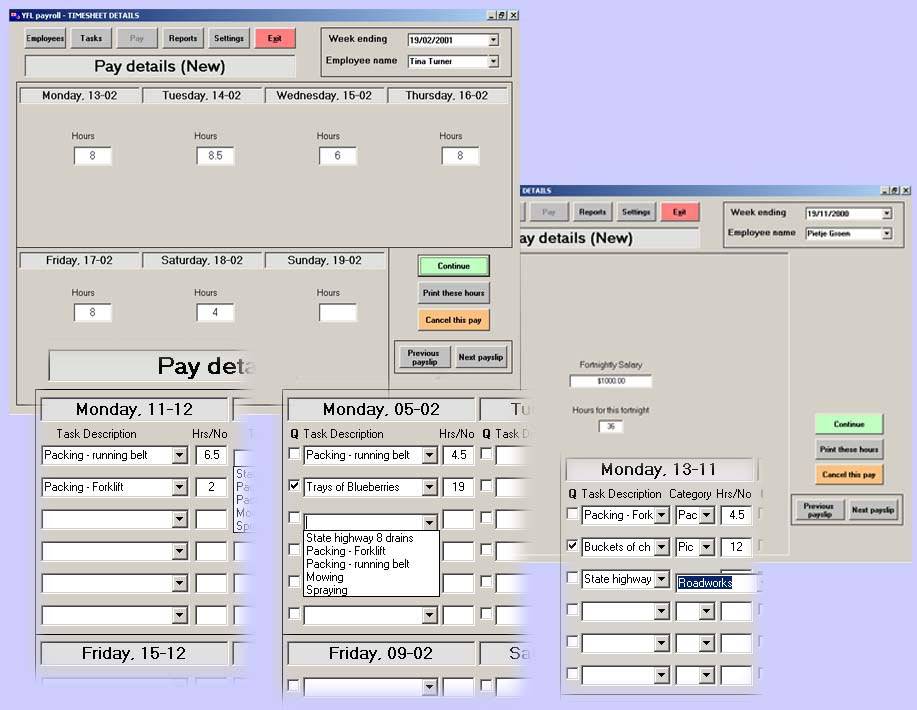
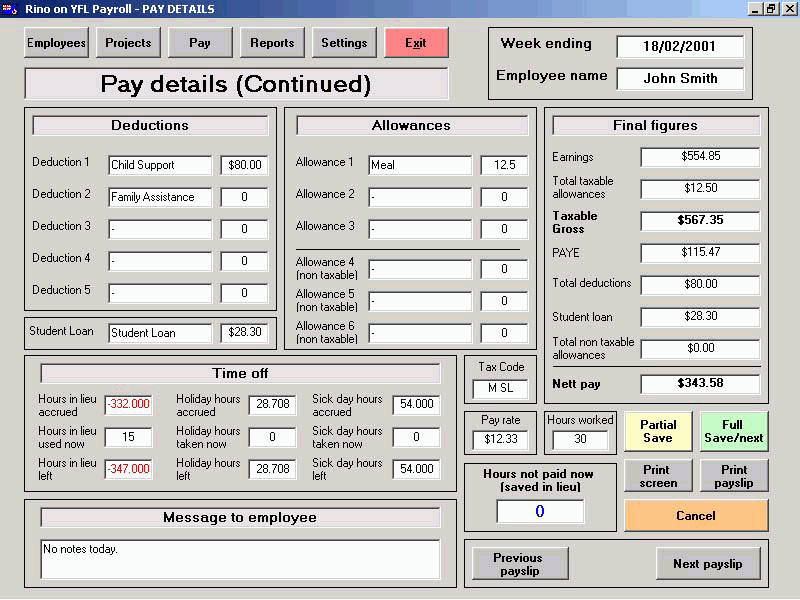
Pay screenOnce hour/quantity data has been entered, on clicking continue the second pay data screen will appear. All standard calculations are done, holiday hours and sick hours (when due) are added. If the automatic 'time in lieu' system is selected for this employee, hours in lieu will be used or added automatically.
The dropdown boxes will show only the relevant tasks for either piece-rate or hourly records according to the box being ticked or not. Both can be recorded under categories. This could, for example, enable you to record both types for a number of orchards or building projects. Doing this allows for precise reporting within task and/or category for any time period Deductions and allowances can be altered or added as required and the data can be saved as 'Partial' (to be continued later), or 'Full' save. The next employee automatically appears with his or her selected pay screen.
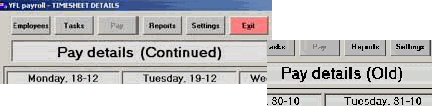
Old payslips can be viewed (not altered) from both screens as desired.
Home | Employees screen | Pay screen | Reports | Settings | Task & categories | Contact us /Trial |